top of page



Bank Transfer Guide
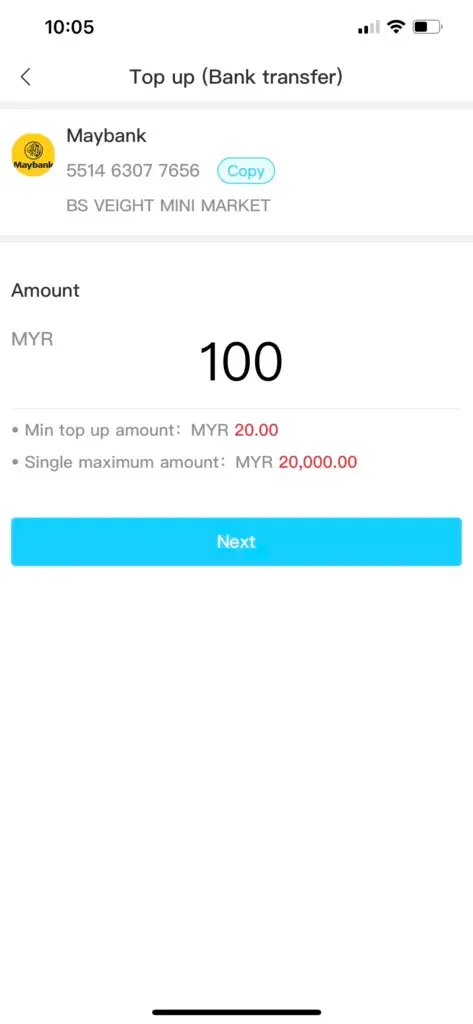
1. After Winbox login, choose “Top Up (Bank Transfer)” from the menu.
2. Pick the bank you wish to transfer from.


3. Enter the amount you want to top up.
4. Transfer the money to the provided bank account and save the receipt.

5. Upload your receipt by clicking on the blank field.
6. Wait for the system to verify and approve your transaction.


Instant Transfer Guide
1. Select “Instant Top Up” on the platform.
2. Choose your preferred bank.


3. Enter the amount you want to reload.
4. Fill in your bank account ID and password.


5. Enter the OTP sent by your bank to confirm.
6. Your account will be reloaded instantly once approved.


bottom of page